Is your space heater not turning on, shutting off unexpectedly, or failing to respond to controls? You are not alone. Many users face these issues during peak winter months. The good news: how to reset a space heater is often a quick fix that can restore normal operation in minutes. Most modern heaters have built-in safety features like thermal cutoff switches that automatically disable the unit when overheating occurs. When this happens, a proper reset clears the error, resets internal sensors, and allows the heater to function again.
Resetting is not just for broken units. It is also essential for smart models that lose Wi-Fi connectivity or become unresponsive in their companion apps. Whether you own a basic ceramic heater or a high-tech Duraflame smart model, understanding the correct reset procedure can save time, prevent unnecessary replacements, and keep your home warm and safe. In this guide, you will learn step-by-step reset methods by brand, common reasons resets are needed, and critical safety tips to avoid hazards.
Basic Reset Procedure for All Space Heaters
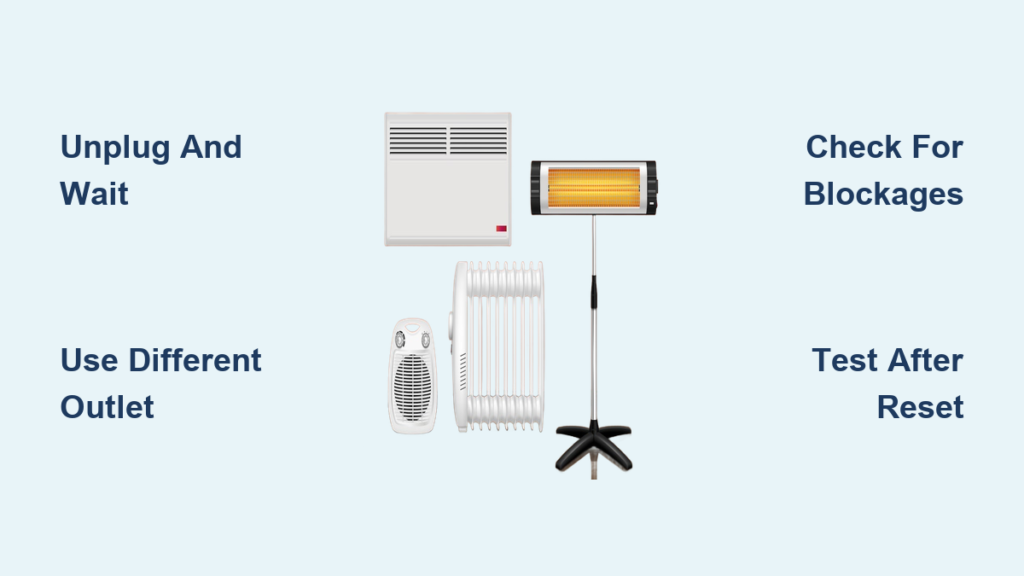
The universal reset process works for most space heaters regardless of brand. Follow these steps to troubleshoot power and performance issues.
Turn Off and Unplug the Heater
Start by switching the heater off using the power button or control dial. Then unplug it from the outlet immediately. This cuts all power and initiates the cooldown phase. Never skip unplugging. This step is crucial for both safety and effective resetting.
Wait 10 to 15 Minutes
Leave the unit unplugged for at least 10 to 15 minutes. This allows internal thermal sensors to cool down completely. It also lets capacitors discharge residual electricity. The overheat protection switch resets automatically during this time. This waiting period mimics a hard reboot on a computer and often resolves phantom errors.
Plug Into a Different Outlet
After the wait, plug the heater into a different wall outlet, preferably in another room. This helps rule out problems with tripped circuit breakers. It also排除 overloaded circuits and faulty outlets or wiring. Use a dedicated outlet. Avoid extension cords or power strips, which can restrict current flow and trigger shutdowns.
Restart and Test Functionality
Turn the heater back on and test all settings. Check fan speed, heat levels, thermostat, and display if applicable. If it powers up normally, the reset was successful. If not, proceed to brand-specific troubleshooting.
Lasko Heater Reset Steps
Lasko is one of the most popular space heater brands, known for affordable and reliable models. Their reset method follows the general procedure but includes key details for consistent results.
Standard Lasko Reset Process
Follow these numbered steps for best results:
- Switch off the heater using the control panel.
- Unplug from the wall immediately.
- Wait 10 to 15 minutes without touching the unit.
- Plug into a different outlet, preferably on a separate circuit.
- Power on and test.
This clears thermal lockouts and electronic glitches common after prolonged use or power surges.
What to Avoid with Lasko Heaters
Do not open the casing. Internal components are under high voltage and pose heat risk. Avoid using damaged or frayed cords. Replace them instead of repairing. Never bypass tip-over or overheat safety switches. Tampering voids the warranty and increases fire risk. If the heater still will not start after two resets, contact Lasko support or consider replacement.
Duraflame Smart Heater Factory Reset
Duraflame Wi-Fi-enabled space heaters integrate with smart home systems but may disconnect or freeze due to app errors or network issues. A factory reset restores default settings and re-establishes connectivity.
Initiate Smart Reset Sequence
Follow these steps carefully:
- Press the power button five times quickly, about one second apart.
- Unplug the heater from the outlet.
- Wait 5 seconds, then replug it.
- Open your smart home app and tap the plus icon to add a device.
- When pairing succeeds, you will hear a triple beep from the hub or heater.
This sequence clears saved Wi-Fi credentials and resets Bluetooth pairing. It is ideal for persistent connection drops.
When to Use This Reset
Only perform a factory reset if the heater shows as offline in the app. Also use it if controls do not respond remotely. Pairing failures or firmware update errors are other valid reasons. After reset, reconfigure your settings through the app as if setting up a new device.
Why Your Space Heater Needs a Reset
Understanding why a reset is necessary helps prevent recurring issues. Here are the top reasons space heaters require resetting.
Overheating Triggers Safety Shutdown
All space heaters have thermal cutoff switches that cut power when internal temperatures exceed safe limits. This happens when airflow is blocked near curtains or furniture. It also occurs when vents are clogged with dust or the unit runs continuously for hours. A reset allows the sensor to cool and reactivate. Do not ignore clearance rules afterward.
Power Surges Disrupt Electronics
Sudden voltage spikes from storms or appliance cycling can freeze digital controls. A full power cycle clears corrupted signals and restores responsiveness.
Controls Freeze or Display Fails
Blank screens, unresponsive buttons, or stuck settings often resolve with a simple unplugged reset. Think of it as rebooting a frozen phone.
Smart Models Lose Network Connection
Wi-Fi-enabled heaters may drop connection due to router changes, signal interference, or app bugs. A factory reset brings them back online.
Flashing Lights or Error Codes Appear
Some models flash LEDs to indicate faults. Two blinks mean overheat detected. Four blinks mean tip-over activated. Rapid flashing means internal fault. A reset clears non-hardware errors. If lights return immediately, the issue is likely mechanical.
Safety Rules During Reset
Safety comes first when handling any electrical appliance, especially one designed to generate heat.
Always Unplug Before Resetting
Never attempt to reset while plugged in. Risk of electric shock increases significantly, even if the unit appears off.
Never Disassemble the Unit
Opening the casing exposes live wires and high-temperature parts. It also voids the manufacturer warranty and can cause permanent damage.
Use a Wall Outlet Only
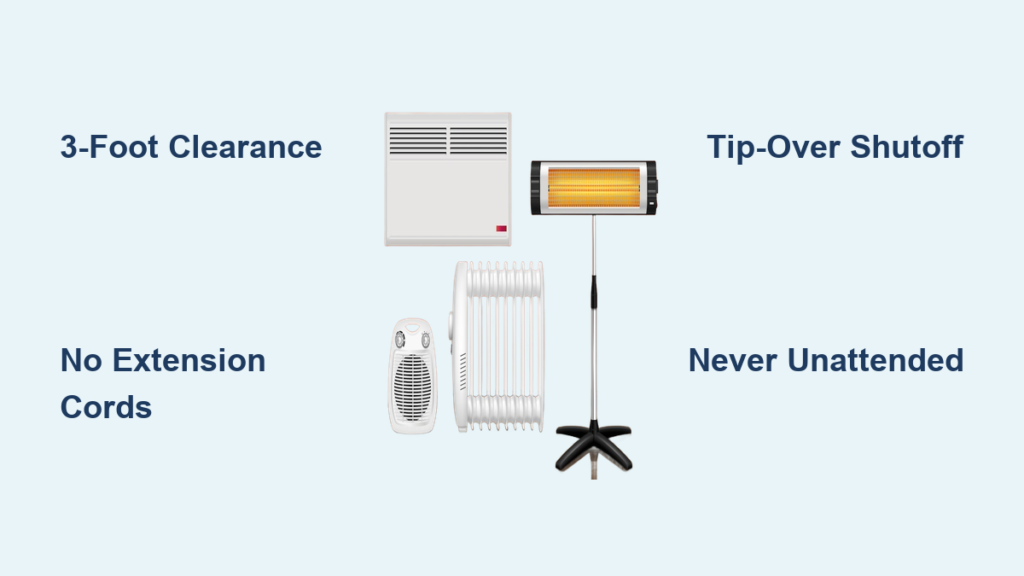
Plug directly into a grounded wall outlet. Extension cords and power strips overheat under high load. They reduce voltage delivery and trigger automatic shutdowns. If an outlet is too far, use a heavy-duty 14-gauge or thicker cord rated for 15 or more amps.
Place on Level, Non-Flammable Surface
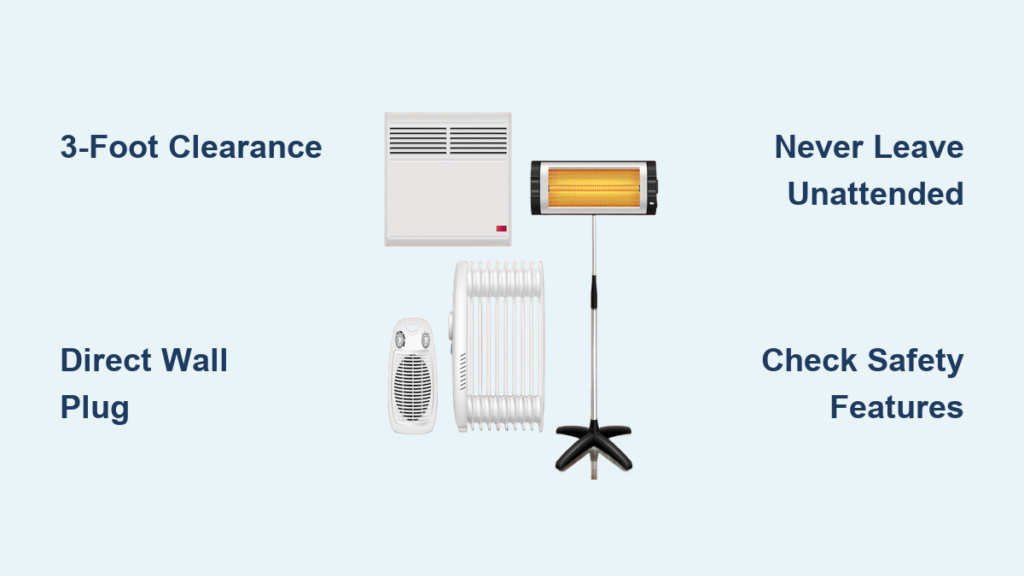
Ensure the heater sits flat and stable with at least 3 feet of clearance from curtains, rugs, furniture, and bedding. This prevents accidental tipping and improves airflow.
Stop Use If Problems Persist
If the heater smells like burning plastic, discontinue use immediately. Also stop if it trips the breaker repeatedly, emits smoke or sparks, or fails to work after 2 to 3 resets. Contact customer support. These signs suggest serious internal faults.
Test Heater After Reset
Once reset, verify full functionality before relying on the heater for warmth.
Check All Operating Modes
Test low and high heat settings. Test fan-only mode if available. Test oscillation for models with rotating heads. Test thermostat response. Listen for unusual noises. Grinding or rattling may indicate motor issues.
Confirm Smart Features Work
For Wi-Fi models, reconnect to the app. Test remote on and off commands. Verify temperature reporting accuracy. Check for firmware updates. If connectivity fails again within hours, your network may be unstable.
Monitor for Automatic Shutdowns
Run the heater for at least 30 minutes and watch for unexpected turn-offs. If it shuts down early, ensure vents are clean. Confirm room temperature is not exceeding set thermostat. Rule out circuit overload by checking other devices on the same breaker. Frequent shutdowns may mean failing sensors or need for professional repair.
Prevent Frequent Resets
If you are resetting your heater often, something is wrong. Frequent resets signal deeper issues.
Clean Vents Monthly
Dust buildup restricts airflow and causes overheating. Use a soft brush or vacuum nozzle to clean intake and exhaust grilles every month.
Avoid Overloading Circuits
Space heaters draw 1,500 watts or more. Do not run them on the same circuit as microwaves, hair dryers, or other heaters. Use a dedicated 15 to 20 amp circuit whenever possible.
Replace Old Units
Heaters older than 5 to 7 years lose efficiency and develop weak components. Consider upgrading to a newer model with better safety features and energy efficiency.
Do Not Use in Dusty or Humid Areas
Excess moisture or pet hair accelerates internal wear. Avoid bathrooms, workshops, or garages unless the model is rated for such environments.
Frequently Asked Questions About Resetting a Space Heater
How long should I wait before plugging my space heater back in after unplugging it?
Wait at least 10 to 15 minutes before plugging the heater back in. This waiting period allows internal thermal sensors to cool completely. It also lets capacitors discharge residual electricity and resets the overheat protection mechanism.
Why does my space heater keep shutting off even after resetting?
Repeated shutdowns after resetting usually indicate airflow blockage or vent clogging. Check that the heater has at least 3 feet of clearance on all sides. Clean the intake and exhaust vents. If problems persist, the thermal sensor may be faulty and professional repair or replacement may be needed.
Can I reset my space heater while it is still plugged in?
No, never attempt to reset while the heater is plugged in. Always unplug the unit first. Working with a plugged-in heater significantly increases the risk of electric shock, even if the unit appears to be off.
What does it mean if my space heater flashes lights during or after a reset?
Flashing lights indicate specific fault codes. Two blinks typically mean overheat detected. Four blinks mean the tip-over safety switch was activated. Rapid flashing suggests an internal fault. A reset may clear non-hardware errors, but if lights persist, the unit likely needs repair or replacement.
Do all space heater brands use the same reset method?
Most space heaters follow a similar basic procedure involving unplugging and waiting. However, specific steps vary by brand. Lasko heaters use the standard 10 to 15 minute cooldown method. Duraflame smart models require a five-press power button sequence followed by replugging. Always check your model-specific manual for the exact procedure.
Key Takeaways for Resetting Your Space Heater
Knowing how to reset a space heater is a simple yet powerful skill that can revive a seemingly dead unit in under 15 minutes. From basic models to smart-connected ones, the process typically involves turning off, unplugging, waiting, and restarting in a fresh outlet. Brand-specific steps like Lasko cooldown reset or Duraflame five-click factory reset target unique issues like overheating or app disconnection.
Always prioritize safety during the reset process. Never open the unit, avoid extension cords, and discontinue use if burning smells or electrical faults occur. If resets become routine, inspect your setup for airflow problems or consider replacing the heater, especially if the unit is older than 5 to 7 years.
By following these clear, actionable steps, you will keep your space heater working efficiently, safely, and reliably all winter long.