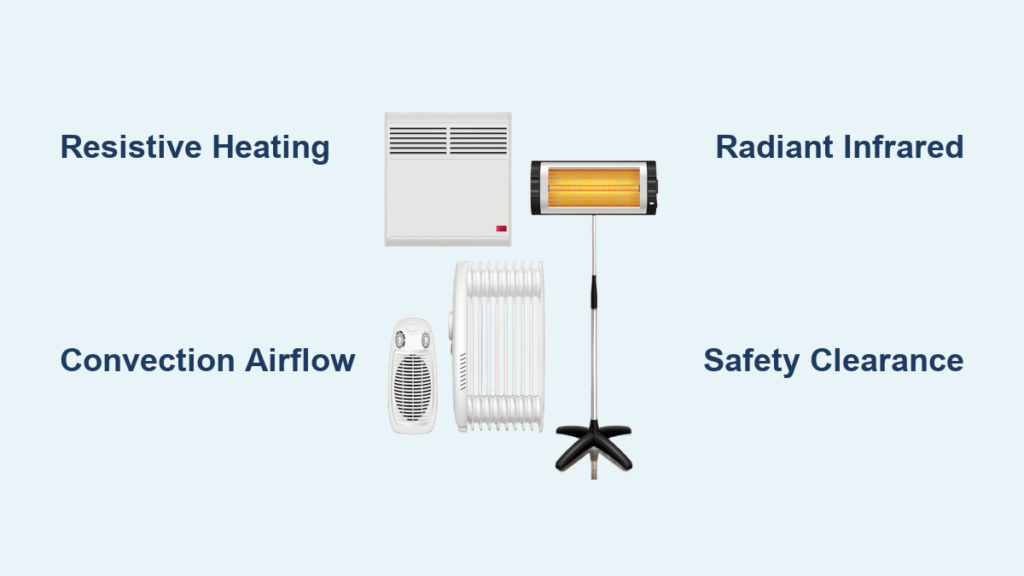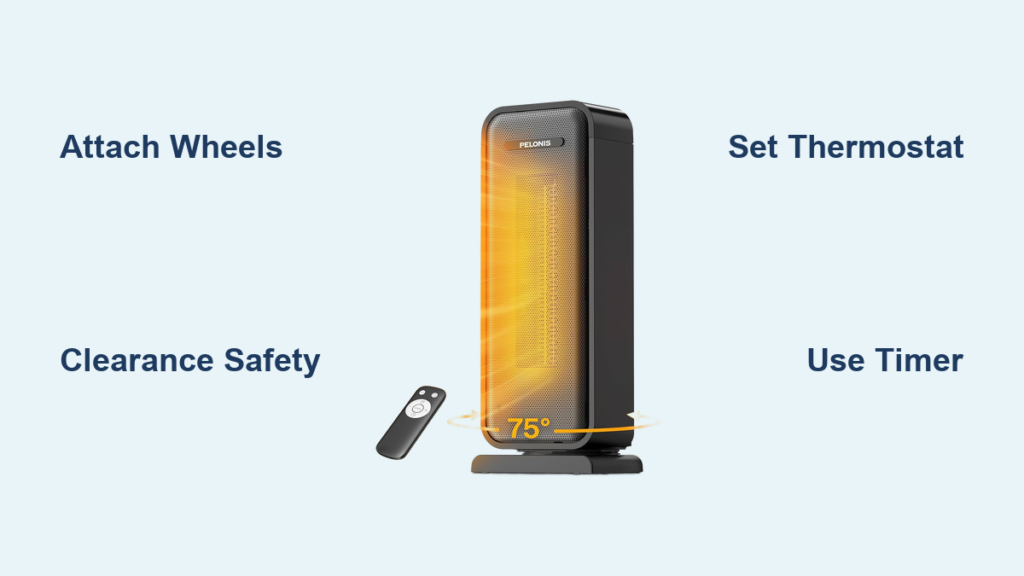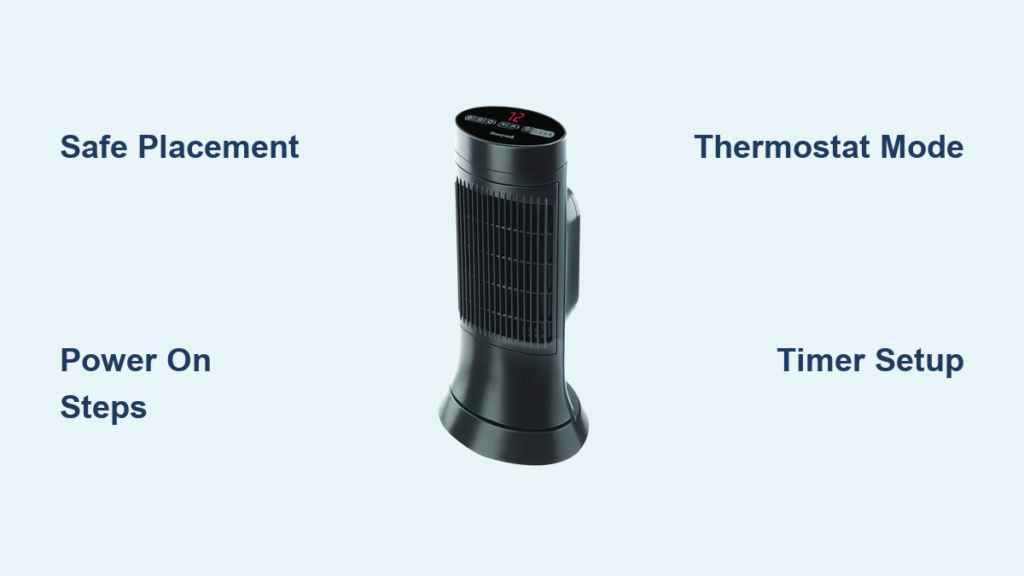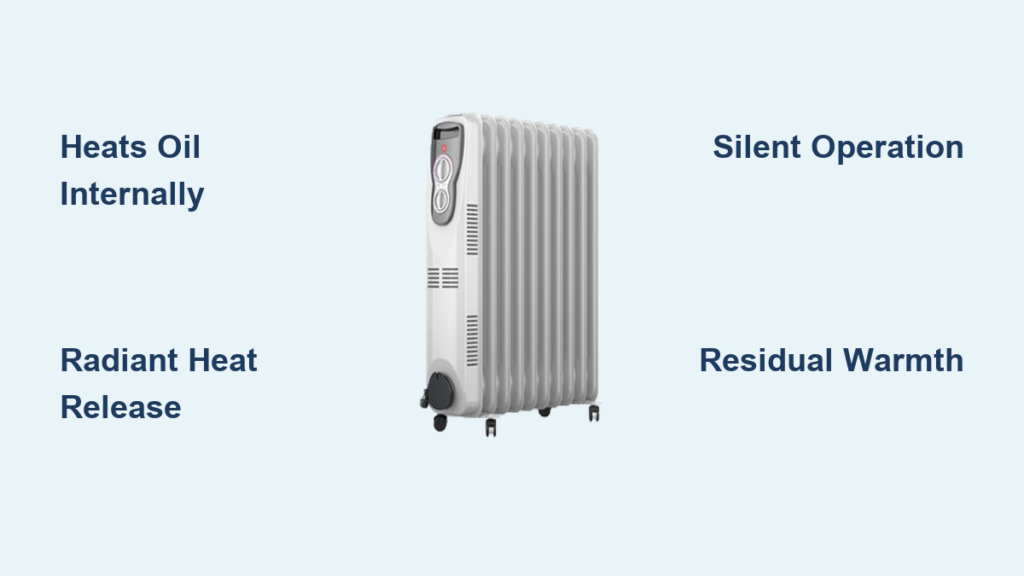
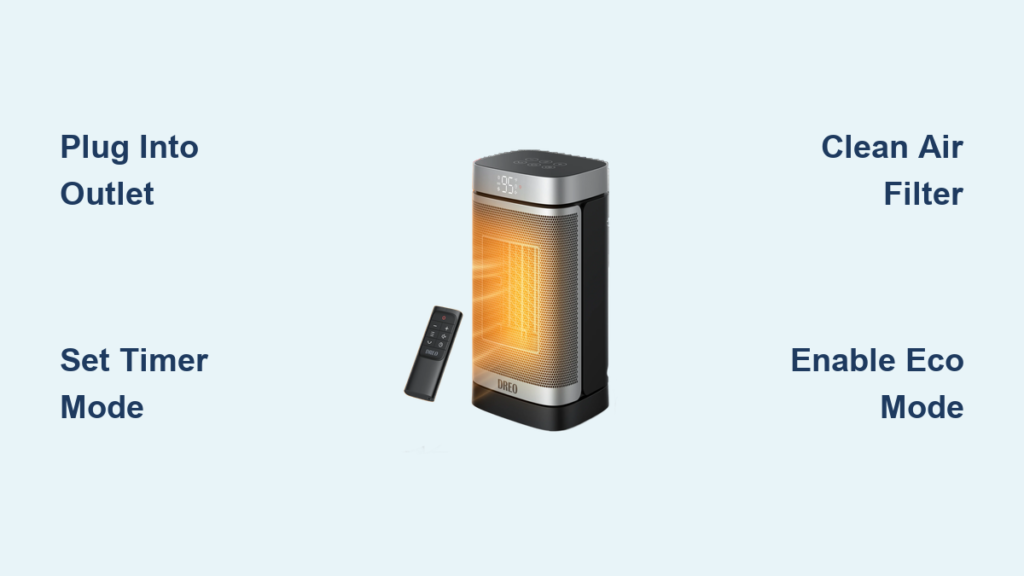
You just unboxed your new Dreo space heater and want it working fast, safely, and efficiently. Whether you own a Solaris, Atom, or Whole Room model, this guide walks you through exactly how to use a Dreo space heater, from first power-up to advanced settings like Eco mode, timer scheduling, and remote control. No guesswork, no confusion, just clear steps that work across nearly all Dreo heaters.
With features like 12-hour timers, child lock, oscillation, overheat protection, and energy-saving Eco mode, Dreo heaters offer smart, safe heating for bedrooms, offices, and small living spaces. By the end of this guide, you will know how to adjust heat levels, clean the filter, troubleshoot error codes, and maximize comfort while minimizing energy use.
Initial Setup and Power-On
Before turning on your Dreo heater, proper setup ensures safety and peak performance. Follow these steps to prepare your unit for first use.
Check Placement and Clearance
Place the heater on a flat, stable surface. Never place it on carpet, bedding, or furniture unless your model manual specifically permits it. Keep at least 3 feet of clearance from curtains, furniture, papers, and other flammable materials. Avoid high-traffic areas where the heater could be knocked over.
Never place the heater near water sources like bathtubs or sinks. Even bathroom-safe models must stay dry and upright to prevent electrical hazards.
Plug Into a Working Outlet
Insert the power cord into a standard 120V outlet. The power indicator light on the plug should turn on, confirming electrical connection. If the light does not illuminate, test the outlet with another device to rule out electrical issues.
Power On the Heater
Press the power button on the control panel or remote. The display will light up, showing current room temperature and default settings. Most Dreo models remember your last used settings thanks to the memory recall function, so you do not need to reconfigure after each use.
Selecting Heat Modes and Settings

Dreo heaters offer multiple heat modes to match your comfort needs and energy preferences. Understanding each mode helps you use your heater effectively.
Choose Your Heat Level
Use the Mode button to cycle through available settings. The Low setting provides 500W of gentle warmth, ideal for maintaining temperature. Medium delivers 700 to 1000W for balanced heating in mild cold. High provides 1300 to 1500W for fast heating in cold rooms. Power Heat mode, marked with a sun icon, delivers continuous maximum heat for quick room warm-up.
Use High mode to warm the room fast, then switch to Eco mode to maintain temperature efficiently without wasting energy.
Enable Eco Mode for Energy Savings
Press Mode until Eco appears on the display. Set your desired temperature using the plus and minus buttons, such as 71°F. The heater runs only when room temperature drops below the set point and automatically cycles on and off to maintain comfort without wasting energy.
Eco mode is best for overnight heating in bedrooms or unattended use in living spaces.
Use Fan-Only or H2 Mode When Needed
Press Mode to select the fan symbol for Fan-only operation. This mode is great for summer air circulation without generating heat. H2 mode provides minimal warmth, ideal for mild climates or users who are sensitive to heat. Not all models support H2 or Fan-only modes, so check your unit display icons to confirm availability.
Set the Timer for Automatic Off
Never leave your heater running all day. Use the 12-hour auto-off timer to control runtime and save energy.
How to Set the Timer
Press the clock icon button. Use the plus and minus buttons to select your desired time: 1, 2, 4, 8, or 12 hours. The display shows the countdown from your selected time. For example, set 8 hours before bed and the unit shuts off automatically in the morning.
Cancel the Timer
Press the clock button twice to cancel the timer. The timer resets to zero and disables automatically.
Turn On Oscillation for Even Heating
Oscillation spreads warm air across the room instead of blowing in one direction, ensuring consistent temperature throughout your space.
Toggle Oscillation
Press the oscillation button, which shows a fan with arrows. The unit begins sweeping left and right, typically covering a 70 to 90-degree range. Press again to lock airflow in one direction for targeted heating.
Some models, like the Atom SH313, turn oscillation on automatically at startup.
Use the Remote Control from Anywhere
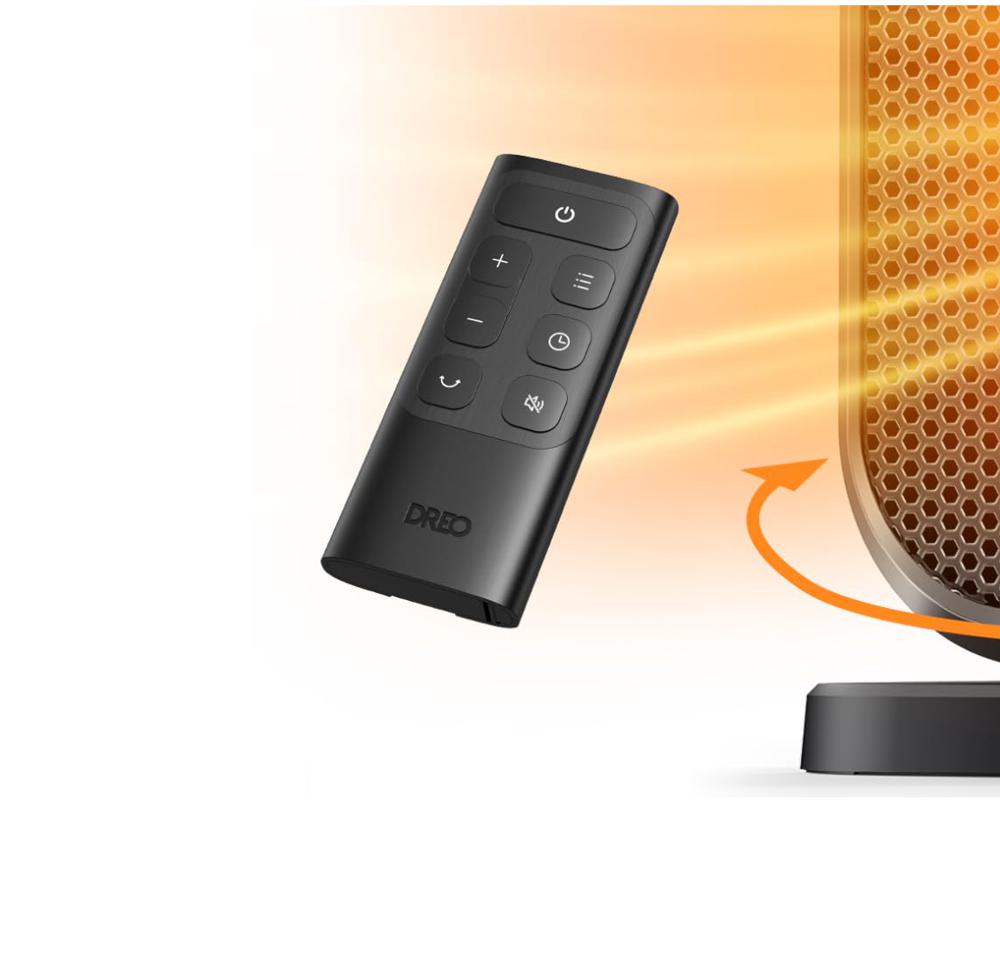
The included remote control lets you adjust settings without leaving your bed or desk. All major controls are mirrored on the remote, including power on and off, heat mode selection, temperature adjustment, timer setting, oscillation toggle, child lock, and sound mute.
Aim the remote directly at the sensor on the front or top of the unit for best response.
Enable Child Lock to Prevent Accidents
Stop children or pets from changing settings accidentally by enabling child lock.
Activate Child Lock
Hold the Clock and minus buttons together for 3 seconds. The display shows a countdown, then displays a padlock icon indicating the lock is active. All buttons are now disabled except the power button.
Deactivate Child Lock
Repeat the same button combination: hold Clock and minus for 3 seconds. The padlock symbol disappears and controls are re-enabled.
Mute Button Sounds for Quiet Operation
If you find button clicks distracting, you can mute them for quieter operation.
Silence Beeps and Clicks
Hold the plus, minus, and Clock buttons together for 3 seconds. The display counts down from 3, confirming the sounds are now muted. This applies to both the control panel and remote inputs.
Repeat the same step to re-enable button sounds.
Monitor Safety Features and Error Codes
Dreo heaters include automatic shutoff features to prevent hazards. Understanding error codes helps you respond quickly.
P4 Error: Tip-Over Protection
The heater shuts off if knocked over, displaying a P4 error. Place the heater upright. The unit restarts automatically once stable. Never bypass this feature.
FF Error: Overheating
This error appears when vents are blocked or the room becomes too hot. Unplug the unit and wait at least 30 minutes for internal cooling. Check for dust buildup or obstructed airflow. Plug back in and restart.
Clean the filter monthly and keep intake and exhaust grilles clear to prevent overheating.
Safety Plug With Overcurrent Protection
The built-in safety plug contains a circuit breaker that cuts power during electrical faults. If the plug resets and clicks, unplug the heater and inspect for damage before reuse.
Maintain the Air Filter for Better Performance
A dirty filter reduces airflow, efficiency, and air quality. Regular cleaning keeps your heater performing at its best.
Clean the Filter Every 1 to 2 Months
Unplug the heater and remove the bottom screw securing the filter cover. Pull down the panel and remove the filter. Wash with mild soap and water, then air-dry completely for at least 24 hours. Reinsert the dry filter and secure the panel with the screw.
A clean filter improves heat output, reduces motor strain, and captures dust. Replace the filter every 6 to 12 months if damaged or worn.
Optimize Placement and Usage by Room
Get the most out of your Dreo heater by matching settings to each room type.
Bedroom Use
Set Eco mode to 68 to 72°F with an 8-hour timer. Enable oscillation for even warmth throughout the night. Mute button sounds and use the remote for nighttime adjustments without getting up.
Office or Desk Use
Use Low or Medium heat to avoid overheating small spaces. Position the heater under your desk with rear clearance for proper intake. Oscillation spreads warmth without creating drafts.
Bathroom Use
Use High heat for 10 to 15 minutes after showering. Place the heater far from water on a non-slip mat. Never leave the heater unattended in bathrooms.
Garage or Workshop
Use Power Heat or High mode for spot heating. Ensure ventilation and keep the heater away from flammable materials. These settings work best in insulated spaces up to 200 square feet.
Energy-Saving Tips to Lower Bills
Use your Dreo heater smarter, not harder, to reduce electricity costs.
Maximize Efficiency
Use Eco mode instead of constant High heat. Combine with door closure to trap heat in the room. Heat only occupied rooms rather than the entire house. Schedule heating with the timer to avoid waste. Use during off-peak hours if your electricity plan offers time-of-use rates.
Pairing with a smart plug can automate schedules, though Dreo built-in timer often makes this unnecessary.
Troubleshoot Common Issues Fast
Quick troubleshooting resolves most problems without service calls.
| Problem | Likely Cause | Fix |
|---|---|---|
| No power, no light | Dead outlet, tripped breaker | Test outlet, reset breaker, check cord |
| Remote not working | Dead batteries, misalignment | Replace batteries, aim directly at sensor |
| Heater turns off unexpectedly | Overheat (FF), tip-over (P4) | Let cool, reposition upright, clean filter |
| Weak airflow | Dirty filter, blocked vents | Clean or replace filter, clear obstructions |
| Display flickering | Power fluctuation | Unplug for 5 minutes, restart |
Perform a hard reset by unplugging for 5 minutes, then restarting to clear temporary glitches.
Model Compatibility and Variations
While most Dreo heaters share core features, specific capabilities vary by model.
Supported Models
This guide covers Solaris 525, 628, 718, 801, Slim H2, Slim H3, and Max. It also includes Atom SH313, 316, 416, 424, Core, and One. Whole Room 517, 714, 715, and 725 are supported, along with Heater 318, 320, 322, and Plus.
Always consult your specific product manual for exact wattage, dimensions, and feature availability.
Feature Differences
High heat at 1500W is available on most models like the Solaris 801. Some fan-forced variants max at 1300W. H2 mode appears on specific Atom and Solaris versions. Dual nozzle airflow is reserved for higher-end models like the Solaris Max.
Key Takeaways for Using Your Dreo Space Heater
The Dreo space heater is one of the most user-friendly, feature-rich personal heaters available. With intuitive controls, reliable safety systems, and smart energy modes, it delivers efficient, targeted heating for bedrooms, offices, and small living spaces.
By following this guide, you will use your heater safely, extend its lifespan, and stay warm without wasting power. Remember to clean the filter monthly, use Eco mode for overnight heating, and always maintain proper clearance from flammable materials.
Your next step: unbox your Dreo heater, find the perfect spot with adequate clearance, and try the Eco mode with a timer tonight. You will be surprised at how quickly your space warms up while keeping energy bills manageable.
Frequently Asked Questions About Using Dreo Space Heaters
How do I turn on my Dreo space heater for the first time?
Plug the heater into a 120V outlet and press the power button on the control panel or remote. The display lights up showing current room temperature. Your last used settings are recalled automatically thanks to the memory function.
What is Eco mode on a Dreo heater and how does it save energy?
Eco mode automatically regulates heating to maintain your set temperature, such as 71°F. The heater turns off when the temperature is reached and restarts when it drops below the threshold. This prevents constant heating and reduces energy consumption significantly.
How do I set the timer on my Dreo space heater?
Press the clock icon button, then use the plus and minus buttons to select 1, 2, 4, 8, or 12 hours. The display shows the countdown. Press the clock button twice to cancel the timer.
Why does my Dreo heater show an FF error code?
The FF error indicates overheating, usually from blocked vents or a dirty filter. Unplug the heater, wait 30 minutes for cooling, clean the filter, clear any obstructions, and restart. Regular filter cleaning prevents this issue.
Can I use my Dreo heater in the bathroom?
Some Dreo models are designed for bathroom use, but placement matters. Keep the heater dry and upright, at least 3 feet from water sources. Use High heat briefly, such as 10 to 15 minutes after showering, and never leave the heater unattended.
How do I clean the air filter on my Dreo space heater?
Unplug the heater, remove the bottom screw on the filter cover, pull down the panel, and take out the filter. Wash with mild soap and water, then air-dry completely for 24 hours before reinserting. Clean every 1 to 2 months for optimal performance.