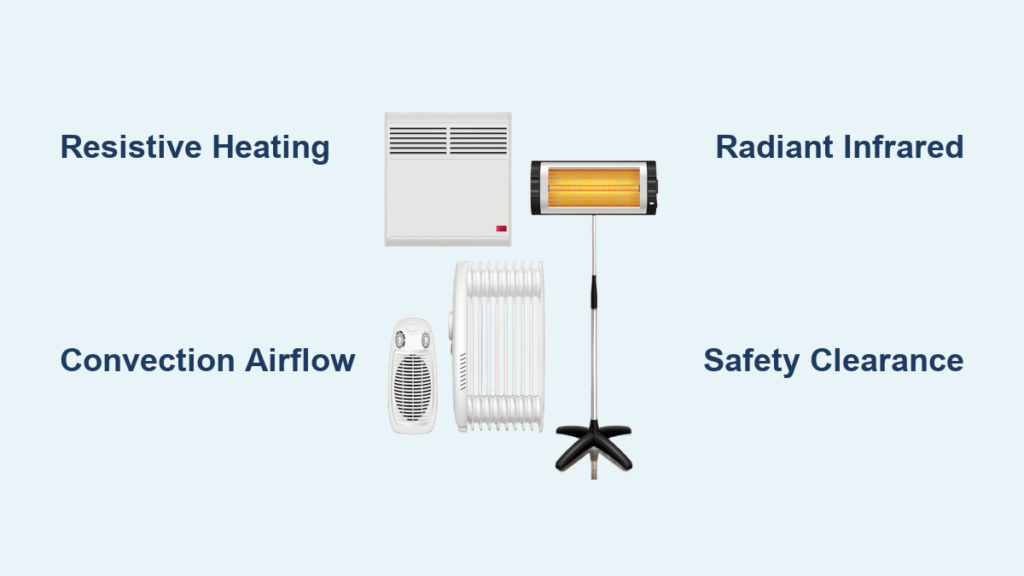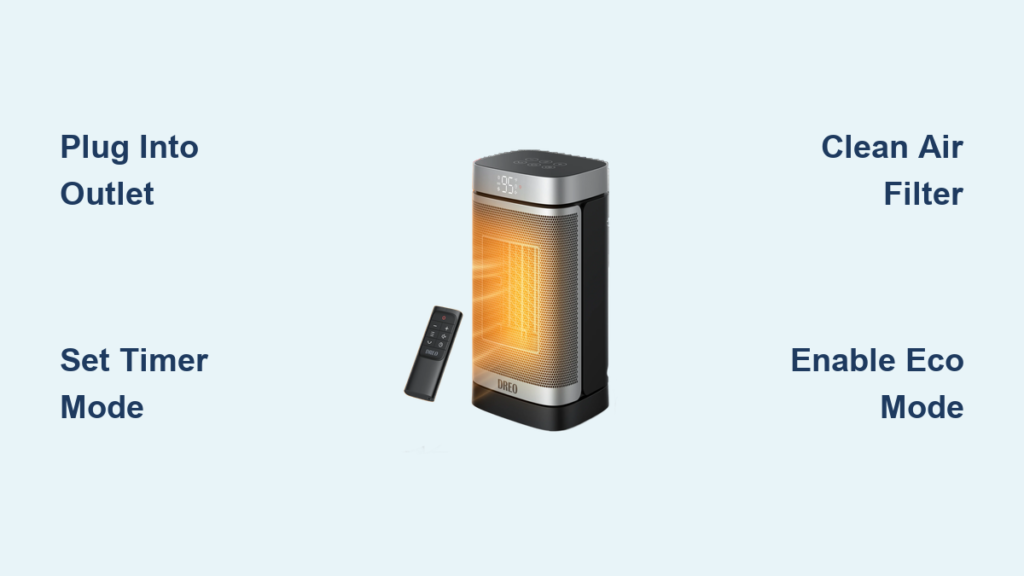
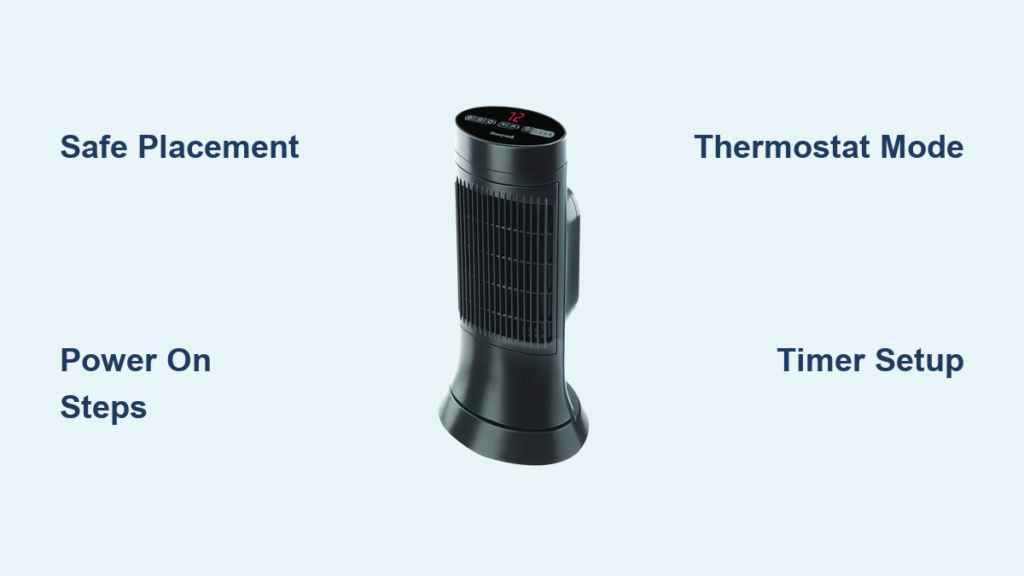
Nothing beats coming home to a warm room on a cold day, especially when your Honeywell space heater kicks in within minutes. Whether you own a compact ceramic model or a silent oil-filled radiator, knowing how to use a Honeywell space heater correctly ensures fast, safe, and efficient heating. This guide walks you through every step from safe setup and thermostat control to troubleshooting and seasonal storage, so you can maximize warmth while minimizing energy costs and safety risks.
Safe Placement and Setup
Before turning on your heater, correct placement is critical for both performance and safety. Honeywell space heaters are designed with multiple safety features, but improper placement can trigger the auto shut-off or create hazards.
Choose a Stable, Level Surface
Always place your heater on a hard, flat surface like tile, wood, or laminate. Never set it on soft materials like rugs, carpets, or furniture unless your manual explicitly allows it. An unstable base increases tipping risk, which triggers the 360-degree tip-over switch and interrupts heating immediately.
Maintain Proper Clearance
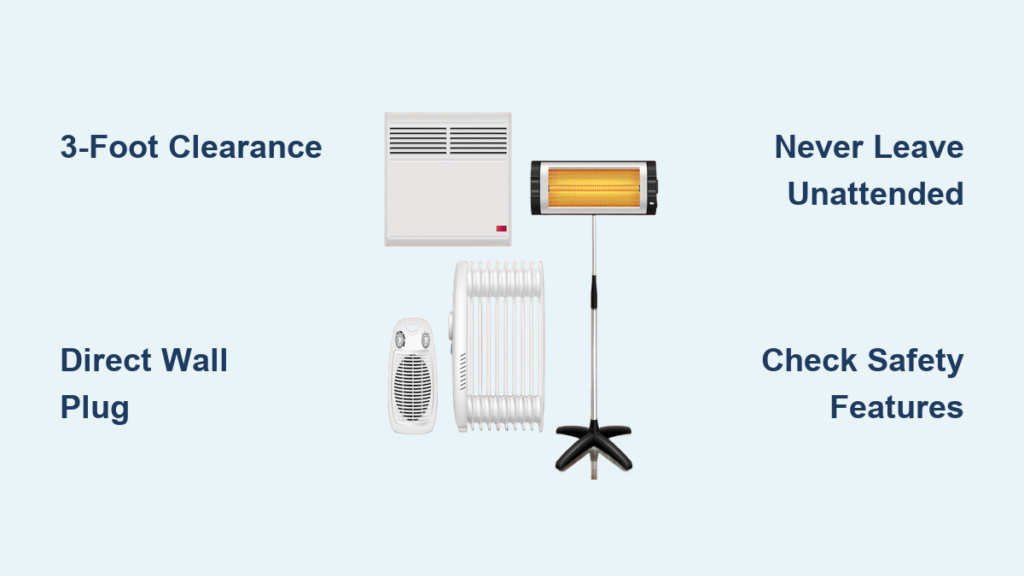
Keep at least 3 feet of space around the unit, especially from curtains, bedding, furniture, and paper. Blocked airflow restricts heat output and can cause overheating. Ensure the front, back, and sides are all clear for optimal air circulation.
Plug Directly Into Wall Outlet
Use a 120V grounded outlet and plug the heater in directly. Never use an extension cord or power strip, as these can overheat under high wattage up to 1500W and create fire hazards. If the outlet feels warm or sparks, stop use immediately and consult an electrician.
Power On and Basic Operation
Getting your Honeywell heater running is straightforward, but the process varies slightly by model type. Understanding these differences helps you operate your unit correctly from day one.
Ceramic Heaters: Initial Start-Up
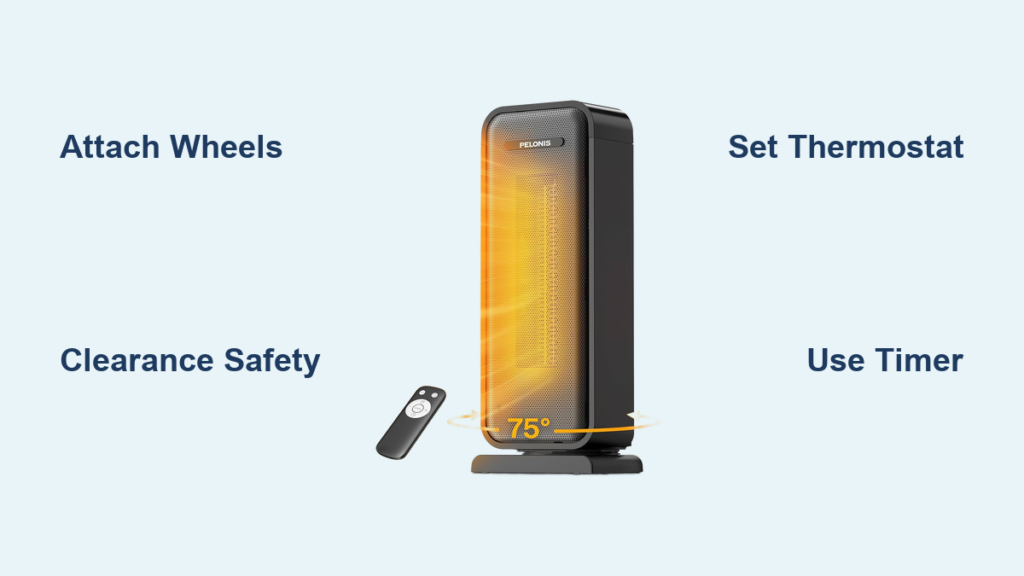
When you plug in a Honeywell ceramic heater, the power indicator light turns on and it defaults to High Heat Mode at 1500W. To start, confirm safe placement and press the Power Button. The fan engages and begins heating instantly. To turn off, press Power again. The fan runs for 6 seconds to cool internal components before shutting down completely.
Note: Some models like the Slim Design series activate automatically when plugged in if previously left on.
Oil-Filled Radiators: Manual Activation
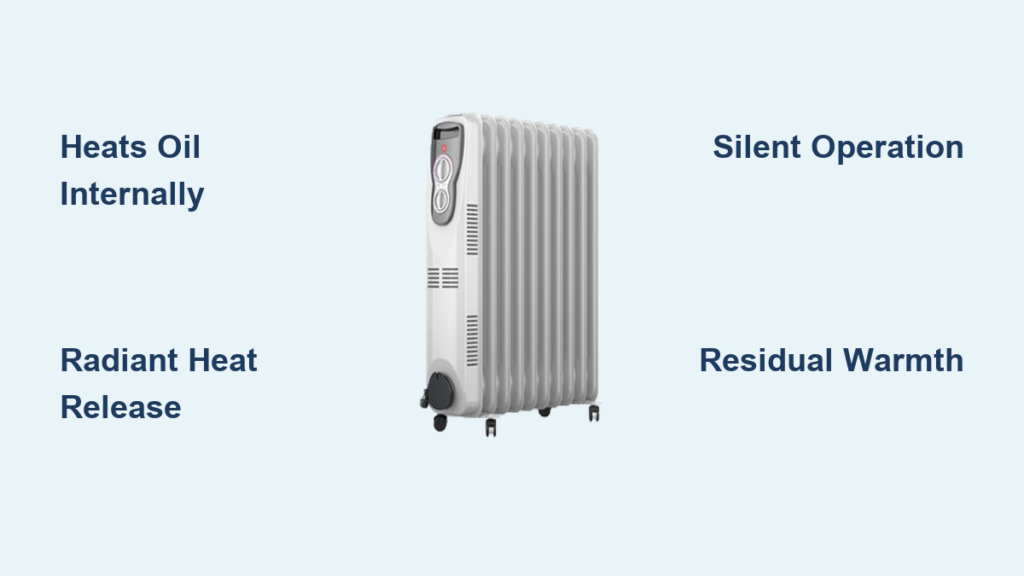
Models like the HZ717 require manual start. Plug in the unit, then press the Power or Set Button to turn on. Select High at 1500W or Low at 900W mode. Unlike ceramic units, oil-filled heaters warm gradually. Expect noticeable heat in 20 to 30 minutes.
Select Heating Mode: Continuous vs Thermostat
Choosing the right heating mode based on your comfort needs and energy goals makes a significant difference in both performance and electricity costs.
Use Continuous Heating for Fast Warmth
In Continuous Mode, the heater runs nonstop at the selected power level. High at 1500W works best for quickly warming large or drafty rooms. Low at 750W to 900W suits small spaces or maintaining warmth after the room heats up.
Pro Tip: Use High to heat a cold room, then switch to Low once comfortable to save energy. This mode requires manual shutdown when no longer needed.
Set Thermostat Mode to Maintain Comfort
Thermostat Mode automatically cycles the heater on and off to hold a set temperature. Press the Set or Temp Up/Down buttons to choose from presets like 65°F, 70°F, 75°F, or 80°F. After selection, the display blinks three times, then shows the current room temperature.
Important: If the room is already warmer than your set point, the heater stays off until the temperature drops. This mode is ideal for bedrooms or offices where you want consistent heat without constant adjustment.
Adjust Fan and Oscillation Settings
Enhance heat distribution with fan control and oscillation features. These are available on fan-forced ceramic models only, not on oil-filled radiators.
Switch Between Fan Modes
On digital models like the RTH2510B, you can choose between Auto Fan and On Fan. Auto Fan runs only when heating, which is the default and most efficient setting. On Fan blows air continuously even when not heating, which works great for improving air circulation in stuffy rooms. Use the Fan Button to toggle between modes.
Turn On Oscillation for Wider Coverage
Oscillation sweeps warm air across a broader area, eliminating cold spots. Press the Oscillate Button once to activate. The light turns on and the heater head swivels 70 to 90 degrees left and right. Press again to stop oscillation.
Note: This feature is not available on oil-filled or convection-only heaters.
Set Auto Shut-Off Timer
Never leave your heater running unattended. Use the timer function for both safety and energy savings. Timer options vary by model, with ceramic models offering 1, 2, 4, or 8 hours and oil-filled models like the HZ717 offering 2, 4, 8, or 12 hours.
How to Use the Timer
Press the Timer Button and cycle through options using Set or plus/minus buttons. Once selected, the heater runs for the chosen duration and shuts off automatically.
Best Use Case: Set an 8-hour timer before bed to stay warm all night without worry.
Assemble and Use Oil-Filled Radiators
If you own an oil-filled radiator model like the HZ717, assembly is required before first use. Proper assembly ensures safe operation and mobility.
Attach the Wheel Base
Lay the heater on its side and slide the U-bolts through the base and frame. Secure with wing nuts, tightening by hand until firm. Stand upright and test stability before plugging in.
Warning: Do not operate without wheels if your model is designed for mobile use.
Understand Normal Operating Sounds
A ticking or popping noise is common as the oil expands when heating. This is completely normal and stops once the unit reaches thermal equilibrium. The lack of fan means silent operation, perfect for bedrooms or quiet spaces.
Troubleshoot Common Issues
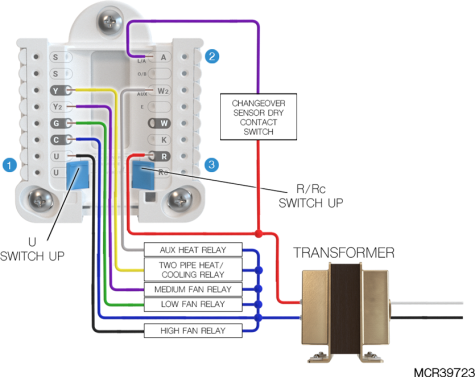
Even reliable heaters can have hiccups. Here is how to fix common problems quickly and get your unit running again.
Heater Won t Turn On
Check these common causes. The tip-over switch may have triggered, so reposition the heater upright and listen for a click. Overheat protection may have activated, so unplug for 30 or more minutes to cool down. Test the outlet with a lamp or phone charger to confirm it has power. Check your electrical panel for a tripped breaker.
Visual Cue: If the power light is off, the issue is likely power supply or a safety shutdown.
Fan Runs But No Heat on Ceramic Models
This typically means overheated internal components triggered the safety shut-off. Turn off, unplug, and inspect air intakes for dust or blockages. Clean with a soft brush or vacuum nozzle.
Display Goes Blank
Unplug for 30 seconds, then reconnect. Ensure the power switch is set to Heat mode, not Fan Only. If the issue persists, consult your manual for reset procedures or contact customer support.
Maintain Your Heater for Long Life
Regular care keeps your Honeywell heater efficient and safe season after season. Simple monthly maintenance prevents performance issues and extends the unit lifespan.
Clean Monthly
Use a soft brush or vacuum to remove dust from air intake grilles. Wipe the exterior with a damp cloth. Never use harsh cleaners or immerse the unit in water.
Warning: Dust buildup reduces airflow and increases fire risk significantly.
Inspect Cord and Plug
Check regularly for fraying or kinks in the cord. Look for discoloration or melting at plug ends. Test for loose connections. Replace the unit if any damage is found.
Store Properly Off-Season
Let the heater cool completely before storing. Wrap the cord loosely, avoiding tight bends. Store in a dry, dust-free place like a closet or shelf. Keep in the original box if possible for added protection.
Optimize Performance by Model Type
Choosing the right settings based on your heater type delivers the best results. Different heater technologies work differently, and understanding this helps you use each effectively.
Ceramic Heaters: Fast, Targeted Heat
Ceramic heaters reach full warmth in 10 to 15 minutes. They are best for living rooms, offices, and garages. Use High plus Oscillation for quick warm-up, then switch to Thermostat Mode once the room is warm. Turn off when leaving the room.
Oil-Filled Radiators: Silent, Lasting Warmth
Oil-filled radiators take 20 to 30 minutes to feel warm. They are best for bedrooms, nurseries, and quiet spaces. Use Thermostat Mode with a timer for overnight heating. The lack of fan means zero noise, and the unit retains heat even after turning off.
Prevent Safety Risks
Honeywell heaters are designed with multiple safety mechanisms, but using them correctly is essential to stay protected. Following these guidelines prevents accidents and ensures worry-free operation.
Never Leave Unattended
Always use the timer when sleeping or going out. Turn off when leaving the room for more than 15 minutes. Keep away from high-traffic areas where the heater could be knocked over.
Keep Away From Children and Pets
Place the heater where kids or pets cannot touch or bump it. Even with cool-touch housing, prolonged contact can cause discomfort or minor burns.
Avoid Moisture Exposure
Never use the heater in bathrooms or damp basements unless the model is specifically rated for it. Water and electricity are a dangerous combination.
Maximize Energy Efficiency
Save money and reduce environmental impact by using your heater smartly. Small changes in how you operate the unit lead to noticeable savings on your energy bill.
Use Thermostat Mode Instead of Continuous
Let the heater cycle on and off automatically. This uses up to 30 percent less energy than running nonstop at full power.
Close Doors and Seal Drafts
Keep heated air in by closing interior doors. Use draft stoppers under exterior doors. Close windows and blinds at night to retain warmth.
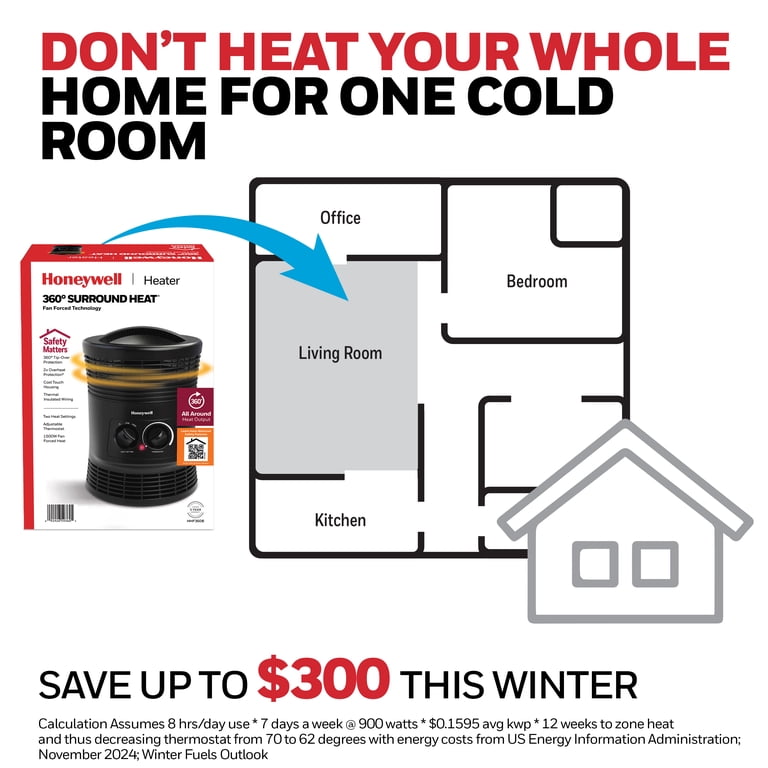
Heat Only Occupied Rooms
Turn off central heating and use the space heater in one room. This zone heating approach cuts energy bills significantly.
Expert Tip: Pair with a smart plug or outlet timer for automated control and added convenience.
Key Takeaways for Using Your Honeywell Space Heater
Knowing how to use a Honeywell space heater properly makes all the difference in comfort, safety, and efficiency. Start by placing the unit on a stable surface with 3-foot clearance, and always plug directly into a grounded wall outlet. Use High mode to heat a cold room quickly, then switch to Low or Thermostat Mode to maintain comfort while saving energy. Take advantage of features like oscillation for wider heat distribution and the timer for safe unattended operation. Clean air intakes monthly, inspect the cord regularly, and store properly during off-season. For silent, sustained heat, choose an oil-filled radiator. For fast, targeted warmth, a ceramic model with oscillation works best. With the right habits, your Honeywell heater will deliver warm, worry-free heat for many winters to come. Always refer to your specific model manual for exact button layouts and features.
Frequently Asked Questions About Honeywell Space Heaters
How do I turn on my Honeywell space heater?
Plug the heater into a grounded wall outlet. Press the Power Button. On ceramic models, it defaults to High heat mode. On oil-filled models like the HZ717, press the Power or Set Button, then select your desired heat level.
What is the difference between Continuous Mode and Thermostat Mode?
Continuous Mode runs the heater nonstop at the selected power level until you manually turn it off. Thermostat Mode automatically cycles the heater on and off to maintain a set temperature, using less energy and providing consistent comfort.
Can I leave my Honeywell heater on overnight?
It is not recommended to leave any space heater running unattended overnight. Use the timer function to set it for a specific duration, such as 8 hours, or stay nearby and turn it off before sleeping.
Why is my Honeywell heater not producing heat?
Check if the tip-over switch triggered by repositioning the heater upright. Verify the outlet has power by testing with another device. Allow the unit to cool for 30 minutes if overheat protection activated. Clean any dust from air intakes that may be blocking airflow.
How often should I clean my Honeywell space heater?
Clean air intake grilles monthly during use. Wipe the exterior with a damp cloth as needed. Inspect the cord and plug before each heating season for any damage or wear.
Are Honeywell space heaters energy efficient?
Honeywell space heaters can be energy efficient when used correctly. Using Thermostat Mode instead of Continuous Mode saves up to 30 percent energy. Heating only occupied rooms and closing doors to contain heat maximizes efficiency.