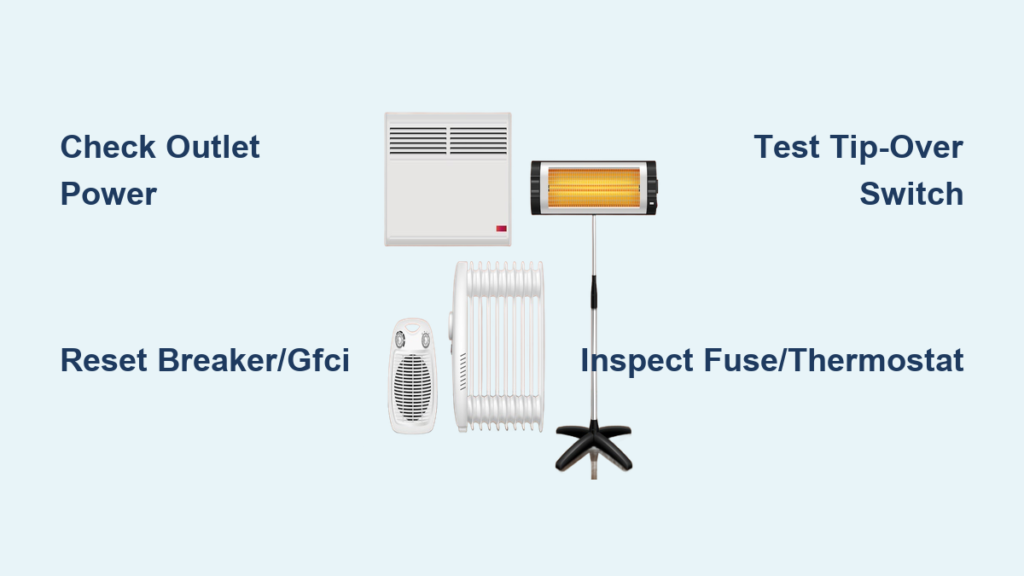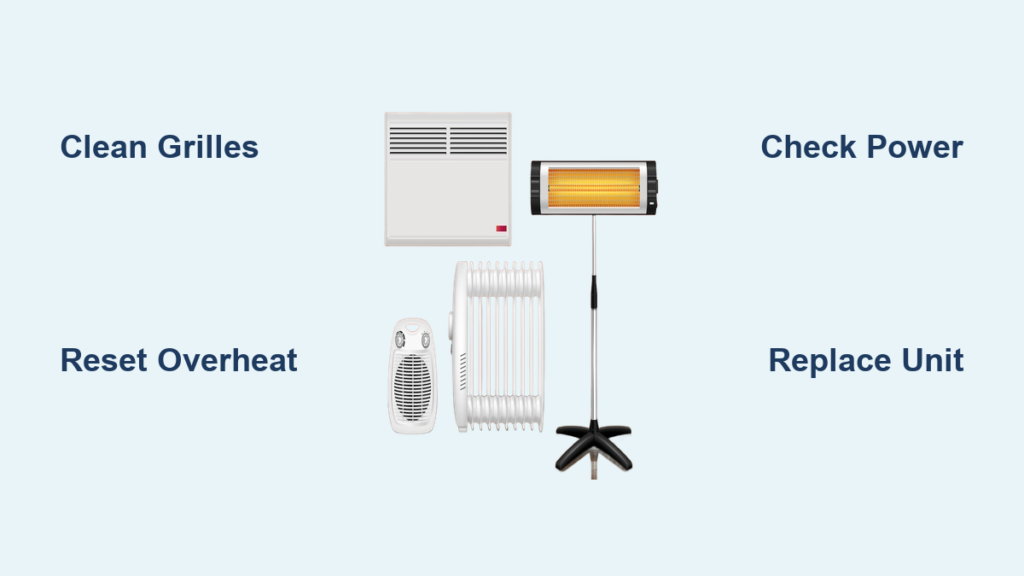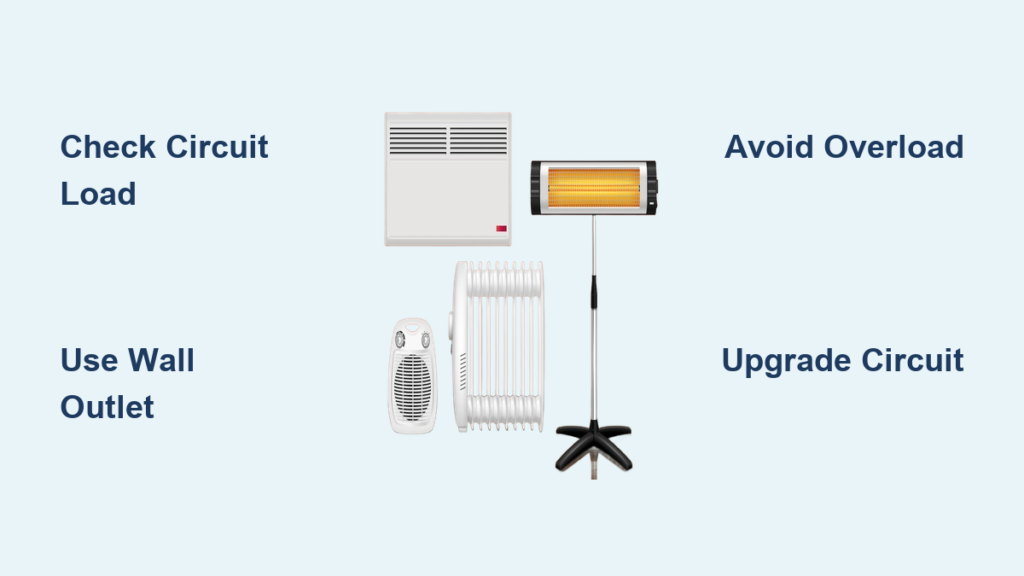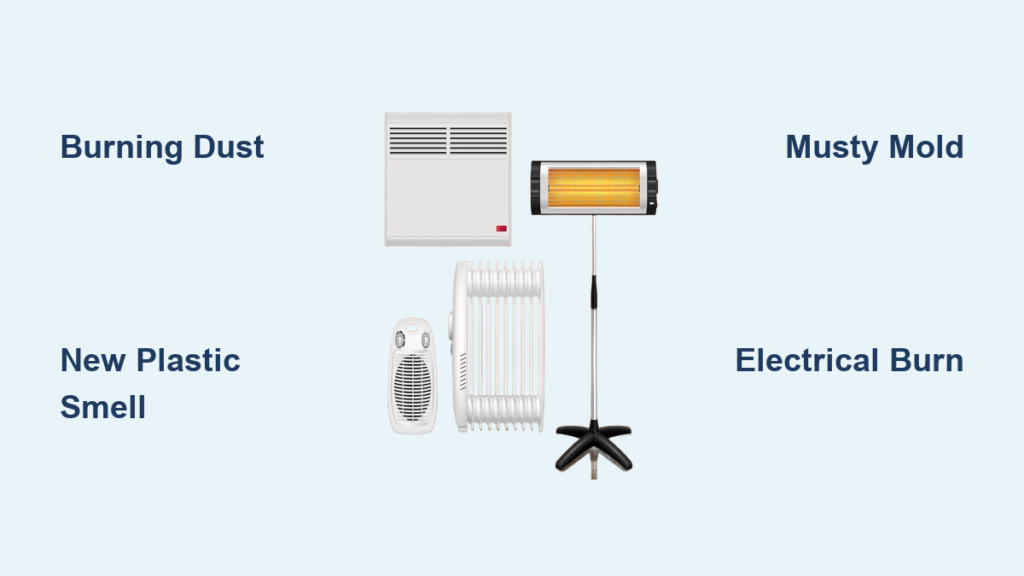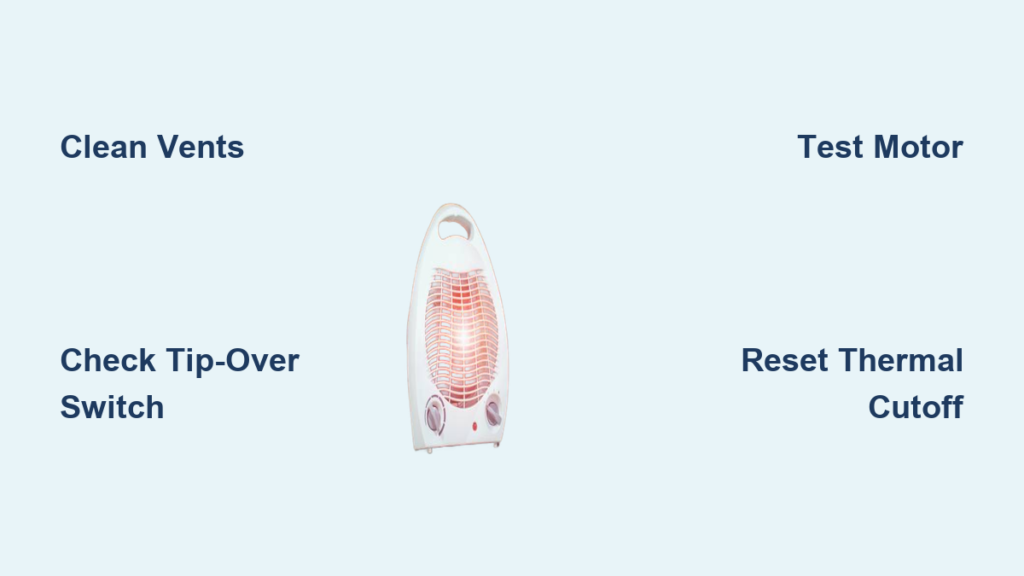
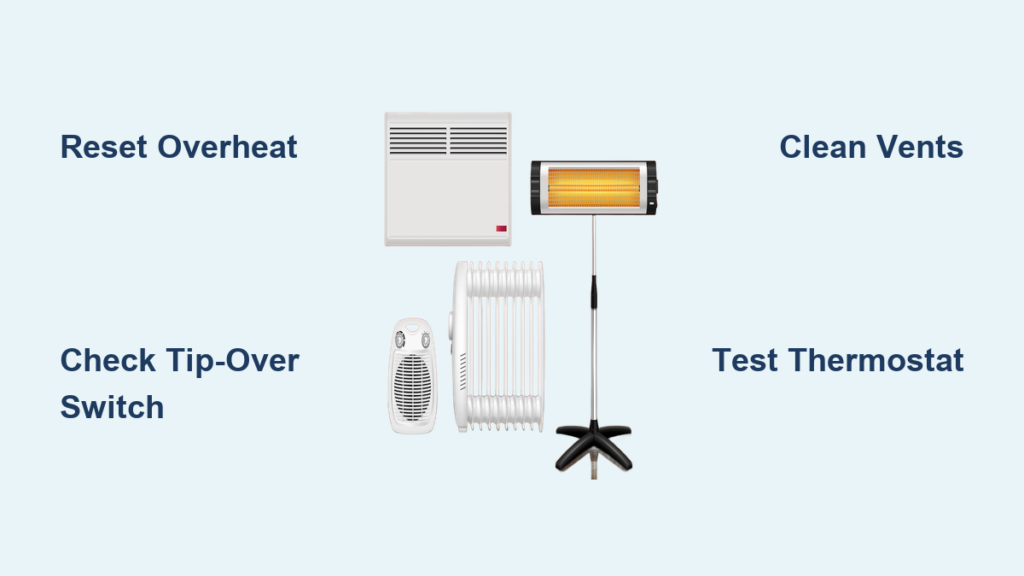
You flip on your space heater, see the power light turn on, but nothing happens. No heat, no fan, just silence. This is one of the most common space heater problems reported by users across ceramic, coil, and oil-filled models. The good news? Most causes are fixable in under 30 minutes without tools, and many solutions cost nothing at all.
In this guide, you will learn exactly why your space heater light is on but not heating, how to diagnose the root cause step by step, and what to do next. We will cover quick resets, cleaning procedures, thermostat testing, and when it makes more sense to replace the unit entirely.
Reset Safety Features First
Before doing anything else, check the built-in safety systems. These are the most common reasons a heater shows power but refuses to produce heat.
Overheat Protection Triggered
Your space heater has a thermal cutoff switch that cuts power to the heating element when internal temperatures get too high. The indicator light may stay on, but the heating circuit stays broken.
Common triggers include:
• Blocked air intake or exhaust vents
• Dust buildup on the heating element
• Running the heater on carpet or near curtains
• Poor room ventilation
To fix it:
- Unplug the heater immediately.
- Wait 10 to 30 minutes for internal cooling.
- Place it on a hard, flat surface away from walls and fabrics.
- Plug it back in and test.
If heat returns after waiting, the unit was overheating. Clean it thoroughly to prevent repeat trips. Repeated tripping can permanently disable the thermal switch.
Tip-Over Switch Activated
Modern space heaters have a tip-over safety switch that kills heat if the unit tilts more than 15 degrees. The light may stay on, but the heater will not run.
Common triggers include:
• Uneven flooring or soft carpet shifting under the unit
• Bumped by pets or family members
To fix it:
- Place the heater on a level, hard surface like tile or wood.
- Gently rock it side to side to reset the switch.
- Turn it on and observe.
If it works, the switch was tripped. If not, the switch may be stuck or damaged. Never tape or bypass this switch permanently. It is a critical fire safety feature.
Check Power Source and Outlet
Even with a light on, your heater might not be getting enough power to run the heating element. Space heaters draw 750 to 1500 watts, which is significantly more than the indicator light needs.
Test the Outlet
A weak or overloaded outlet can deliver just enough power for the indicator light but not the heating element.
Do this now:
- Plug in a high-wattage device like a hair dryer or microwave.
- If it does not work, check your circuit breaker or fuse box.
- Look for GFCI outlets in kitchens, garages, or basements. Press the Reset button if tripped.
Avoid Extension Cords
Most space heaters require a direct wall outlet. Using an extension cord causes voltage drop, overheating, and tripped breakers.
If you must use one, choose 12- or 14-gauge heavy-duty orange outdoor-rated cords. Keep it under 6 feet long and never daisy-chain power strips.
Clean Vents and Internal Components

Dust, pet hair, and debris are silent killers of space heaters. They block airflow, trigger overheating, and stop fans from spinning.
Why Cleaning Matters
Even partial blockage can cause instant thermal cutoff, reduce airflow by 50 percent or more, and make the fan strain or seize completely.
Symptoms of blockage include:
• No fan noise when the heater is on
• Burning smell
• Heater shuts off after 10 seconds
How to Clean Your Heater
Tools needed: Screwdriver, compressed air, soft brush, 3-in-1 oil
Steps:
- Unplug and cool completely for 30 minutes or more.
- Remove the front or rear grill, usually held by 4 screws or clips.
- Use compressed air or a dry paintbrush to clean the fan blades, heating element, air intake, exhaust vents, and motor housing.
- Add one drop of 3-in-1 oil to the fan shaft bearing if needed.
- Reassemble carefully without pinching wires.
Test success: Hold a tissue near the intake. It should be sucked in strongly. Feel for warm air within 1 to 2 minutes of turning on.
Clean every 4 to 6 weeks during use. It takes 10 minutes and prevents about 30 percent of no-heat cases.
Diagnose the Thermostat
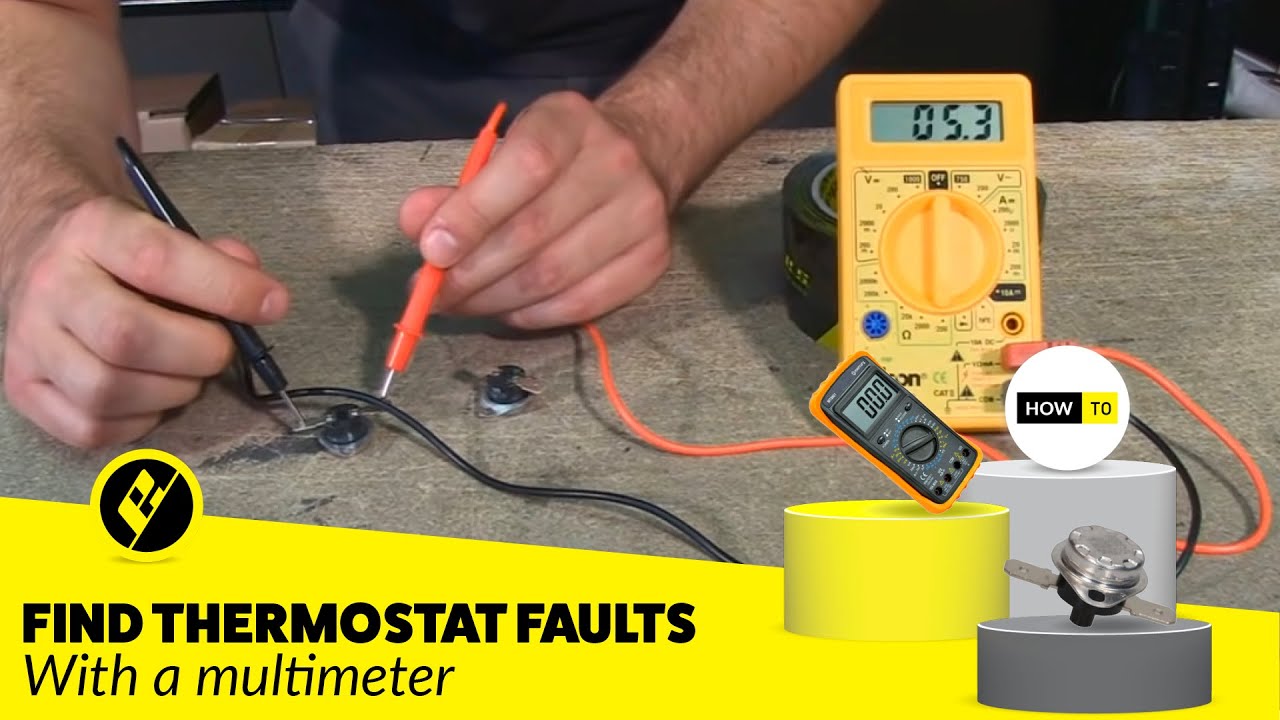
If the light is on and the fan runs but there is no heat, the thermostat may be faulty. It is one of the top two failure points in heaters over two years old.
How Thermostats Fail
Most space heater thermostats use a bimetallic strip that bends with temperature to open or close the circuit. Over time, it can get stuck in the open position, lose calibration, or develop corroded contacts.
Signs of failure:
• Turning the dial does nothing
• Heater runs nonstop or never starts
• Works on high but not on low setting
Quick Thermostat Reset
Try this before disassembling:
- Set heater to low heat.
- Rotate the thermostat knob from minimum to maximum 10 times.
- Plug in and test.
This often dislodges stuck contacts and restores function.
Test or Replace the Thermostat
If reset fails:
- Unplug the heater.
- Remove the casing to access the thermostat.
- Use a multimeter to test for continuity at different settings. No continuity means a bad thermostat.
- Replace with an OEM or compatible part. Thermostats typically cost $10 to $20.
Inspect the Heating Element
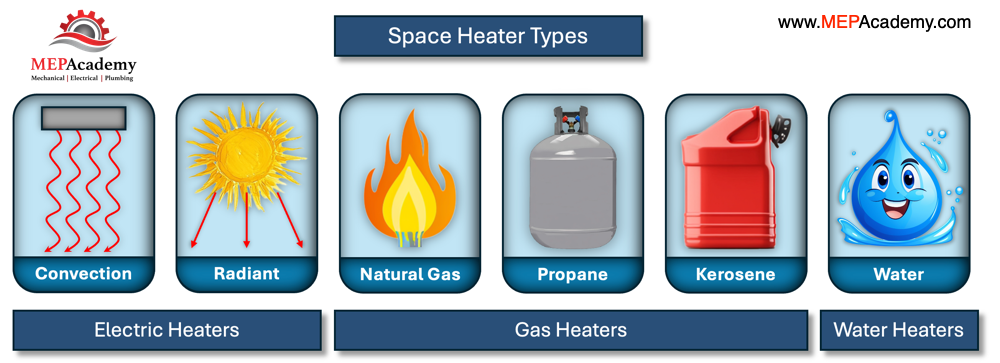
No heat at all? The heating element may be burned out. This is common in older heaters or those used with blocked airflow.
Types of Elements
• Ceramic PTC: Self-regulating, does not glow
• Nickel-chromium coils: Glow red when working
• Quartz tubes: Used in infrared heaters
• Oil-filled: Inside radiators, not visible
How to Check
For coil or ceramic heaters:
- Remove the grill carefully.
- Look at the element. Sagging, broken, or discolored wires indicate failure. No visible glow on high setting also means likely dead.
- Use a multimeter to test for continuity. No beep means open circuit and the element must be replaced.
For oil-filled heaters, there is no visual check possible. If the fan runs, the outlet is good, and the thermostat works, the element is likely dead.
Replacing a heating element costs $30 to $50, which is often more than a new heater. Replace the unit unless it is a high-end model.
Fan Not Spinning? Check Motor and Fuse
In fan-forced heaters, if the fan does not run, the safety system may prevent heating even if the light is on.
Why Fans Fail
• Dust-clogged motor
• Seized bearings
• Broken blades
• Failed start capacitor in some models
Symptoms:
• Humming but no spin
• Delayed start
• No sound at all
Fix a Stuck Fan
- Unplug and open the case.
- Spin the fan blade by hand. If it is stiff, apply one drop of 3-in-1 oil to the shaft and rotate manually 10 times.
- Reassemble and test.
If it still does not run, the motor is dead. Replacement motors are rare. Replace the heater instead.
Check the Internal Fuse
Many heaters have a small thermal fuse that blows during power surges or overheating.
To test:
- Locate the fuse near the heating element or control board.
- Use a multimeter to check continuity.
- If open, replace with the exact same type.
If the fuse blows again, there is a deeper issue like a short circuit. Stop using the heater.
Wiring and Control Board Failures
Advanced models with digital controls can fail at the circuit board level.
Signs of Board Failure
• Light flickers or behaves erratically
• Buttons do not respond
• Relay clicks but no heat
• Burnt smell or discoloration inside
What You Can Do
- Unplug and open the case.
- Inspect for burnt wires, corroded connections, or blackened components on the board.
- Use a multimeter to trace power from thermostat to heating element.
If you find damage, repair is not recommended unless you are experienced with electronics. Soldering mistakes can cause fire.
For digital heaters under $50, replacement is safer and cheaper.
When to Repair vs. Replace
Do not waste time and money on a lost cause. Use this guide:
| Problem | Repair? | Replace? |
|---|---|---|
| Overheat or tip-over switch tripped | Yes – reset or replace switch | No |
| Dirty vents or fan | Yes – clean | No |
| Faulty thermostat | Yes – $10 to $20 part | No |
| Blown internal fuse | Yes – $2 to $3 | No |
| Failed heating element | No | Yes |
| Dead fan motor | No | Yes |
| Cracked wiring or burnt board | No | Yes |
| Heater older than 5 years | No | Yes |
If repair costs over 50 percent of a new unit, replace it instead. New ceramic heaters start at $20 and are safer and more efficient than aging models.
Prevent Future Failures
Extend your heater is life and avoid cold surprises.
Monthly Maintenance
• Vacuum vents and intake areas
• Blow out internal dust with compressed air
• Check power cord for fraying or cracking
Yearly Care
• Lubricate fan shaft with one drop of oil
• Store in a dry, dust-free place
• Test the heater before winter begins
Safe Usage Tips
• Keep 3 feet clear of all flammables
• Use on hard, level floors only
• Never cover or block vents
• Unplug when not in use
• Never run the heater unattended
Key Takeaways for Fixing Your Space Heater
A space heater light on but not working is a common and solvable issue. Start with safety resets, outlet checks, and cleaning. These simple steps fix most cases. Then test the thermostat, fuse, and heating element if needed. Clean your heater every 4 to 6 weeks during use to prevent dust-related failures.
If the core components are dead, replace the unit. This is especially true if the heater is over 3 years old. New ceramic heaters start at $20, and they are safer and more efficient than aging models. With proper care, your heater can last 3 to 5 years and keep you warm season after season.
Stay safe, stay warm, and never bypass a safety feature. Your home is worth more than a few degrees.
Frequently Asked Questions About Space Heater Light On But Not Working
Why does my space heater light turn on but no heat comes out?
This happens when electricity reaches the control panel and indicator light, but power is blocked from reaching the heating element. Common causes include triggered overheat protection, a faulty thermostat, a tripped tip-over switch, or a blown internal fuse.
How do I reset my space heater after it overheats?
Unplug the heater and wait 10 to 30 minutes for the internal thermal cutoff to cool and reset automatically. Place the heater on a hard, flat surface away from walls and fabrics, then plug it back in. If heat returns, clean the vents thoroughly to prevent repeat tripping.
Can a dirty thermostat cause a space heater not to heat?
Yes. Dust and debris can cause the thermostat contacts to stick or corrode. Try rotating the thermostat knob from minimum to maximum 10 times to dislodge stuck contacts. If this does not work, test the thermostat with a multimeter and replace if there is no continuity.
Should I replace my space heater or repair it?
Replace if the heating element has failed, the fan motor is dead, or the control board is burnt. These repairs often cost more than a new heater. Replace if the unit is over 5 years old or if repair costs exceed 50 percent of a new unit is price.
How often should I clean my space heater?
Clean your space heater every 4 to 6 weeks during the heating season. Vacuum the exterior vents, blow out internal dust with compressed air, and check the power cord for damage. This simple maintenance prevents about 30 percent of no-heat failures.